

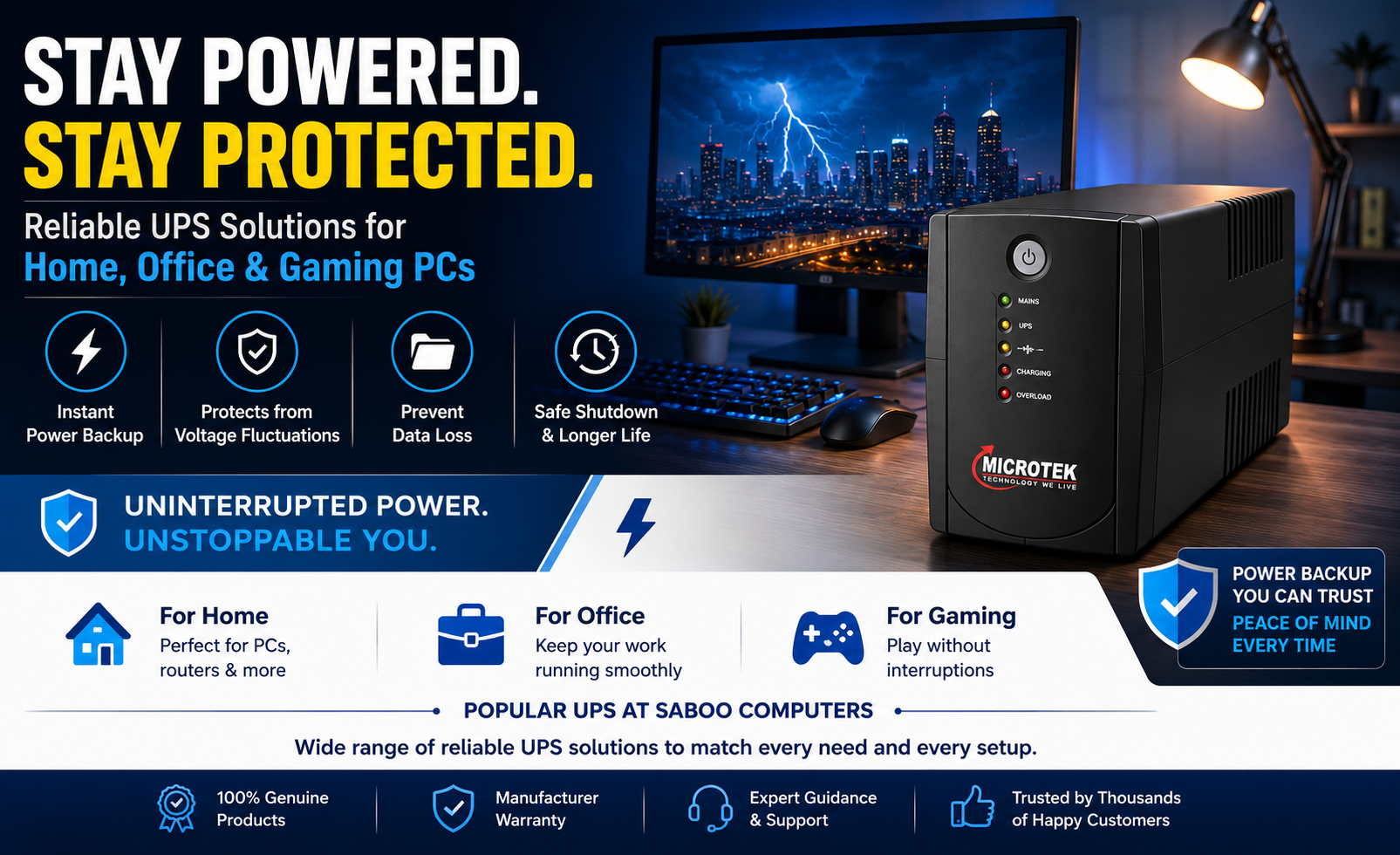
Power Cuts Can Cost You More Than You Think
Power cuts, voltage fluctuations, and unexpected outages can happen at any time. While most users invest heavily in laptops, desktops, gaming PC’s, and networking equipment, many overlook one of the most important devices in their setup – a UPS (Uninterruptible Power Supply).
A UPS is more than just a backup power device. It protects your valuable electronics from sudden shutdowns, voltage fluctuations, and data loss while giving you enough time to save your work and safely power down your system.
Whether you’re a student attending online classes, a professional working remotely, a business owner managing critical operations, or a gamer in the middle of an intense match, a reliable UPS is an essential investment.
Why Every Computer Needs a UPS?
Imagine spending hours preparing a report, editing a video, or participating in an important meeting only to lose everything because of a sudden power outage.
A quality UPS helps by:
- Providing instant battery backup during power failures.
- Protecting computers from voltage fluctuations.
- Preventing data loss.
- Safeguarding expensive hardware components.
- Improving equipment lifespan.
- Allowing safe system shutdown.
In cities where power fluctuations are common, a UPS becomes a necessity rather than an option.
How Does a UPS Work?
A UPS continuously monitors incoming power. The moment it detects a power interruption or voltage issue, it switches to battery power almost instantly.
This seamless transition ensures that your:
- Desktop PC/Laptop
- Monitor
- Router
- CCTV system
continue operating without interruption.
Best UPS Capacity for Different Users
600VA UPS – Ideal for Basic Home Users
If you use a standard desktop computer for browsing, online classes, office work, or entertainment, a 600VA UPS is usually sufficient.
Benefits include:
- Affordable pricing
- Compact design
- Reliable backup for basic systems
- Suitable for home users and students
650VA–750VA UPS – Best for Professionals
Professionals working from home often need backup for:
- Desktop PC’s
- Monitors
- Internet routers
These UPS models provide better backup time and improved protection for productivity-focused setups.
1000VA UPS – Ideal for Heavy Workloads
Users running multiple monitors, high-performance desktops, or business-critical applications should consider a 1000VA UPS.
Advantages include:
- Higher power capacity
- Better backup duration
- Support for demanding workloads
- Suitable for offices and small businesses
1600VA UPS – Best for Workstations and Advanced Systems
For professional workstations, surveillance systems, and high-performance computing environments, larger UPS units provide superior reliability and longer backup durations.
Best Selling UPS Models Available at Saboo Computers
Several UPS models available through Saboo Computers are designed to meet varying power backup requirements. These include Microtek’s popular UPS range, which remains one of the most trusted names among Indian consumers.
Microtek LAP LONG650 UPS (600VA/360W)
A great choice for students, home users, and small office setups. This model provides dependable backup for basic desktop computers and networking devices.
Microtek LEGEND 650 UPS
Suitable for home offices and professionals who require stable power protection for daily work activities. This model is among the most affordable UPS solutions available for desktop users.
Microtek LEGEND 1000 UPS
Designed for users with higher power requirements, including multiple peripherals and business systems. This UPS delivers improved backup capacity and dependable performance.
Microtek LEGEND 1600 UPS
A powerful solution for workstations, office infrastructure, and advanced computing environments that require extended backup support.
UPS for Gaming PC’s
Gaming PC’s consume significantly more power than standard desktop systems.
A gaming setup may include:
- High-end graphics cards
- RGB accessories
- Gaming monitors
- Mechanical keyboards
- High-performance processors
A sudden power loss can damage hardware and interrupt gameplay.
Gamers should choose UPS systems with adequate wattage capacity and battery support to handle peak loads effectively.
UPS for Home Offices
Remote work has transformed home offices into mission-critical work environments.
A UPS ensures:
- Uninterrupted video calls
- Stable internet connectivity
- Continuous productivity
- Protection from data loss
Many professionals underestimate the cost of downtime until an unexpected outage affects an important meeting or project deadline.
UPS vs Inverter: Which One Is Better?
Many consumers confuse UPS systems with inverters.
UPS Advantages
- Instant switchover
- Better computer protection
- Stable output voltage
- Designed for electronics
Inverter Advantages
- Longer backup duration
- Suitable for household appliances
For computers, servers, and networking equipment, a UPS remains the preferred choice because of its fast response time and equipment protection capabilities.
Signs You Need a New UPS
If your existing UPS shows any of the following symptoms, it may be time for an upgrade:
- Reduced backup time
- Frequent beeping
- Battery replacement warnings
- Random shutdowns
- Overheating
- Failure to hold charge
Replacing an aging UPS can prevent costly equipment damage and unexpected downtime.
Why Buy UPS from a Trusted Technology Partner?
When purchasing a UPS, quality and authenticity matter.
Buying from trusted technology retailers ensures:
- Genuine products
- Manufacturer warranty
- Expert guidance
- After-sales support
- Correct sizing recommendations
Choosing the wrong UPS capacity can lead to inadequate backup performance and unnecessary expenses.
Final Thoughts
A UPS is one of the smartest investments you can make for your computer setup. Whether you’re protecting a home desktop, office workstation, gaming PC, or networking equipment, the right UPS provides peace of mind during power outages and voltage fluctuations.
With trusted brands, expert guidance, and a wide selection of power backup solutions, Saboo Computers helps customers choose the ideal UPS based on their specific requirements.
Don’t wait for a power failure to realize the importance of backup power. Invest in the right UPS today and keep your work, data, and devices protected.